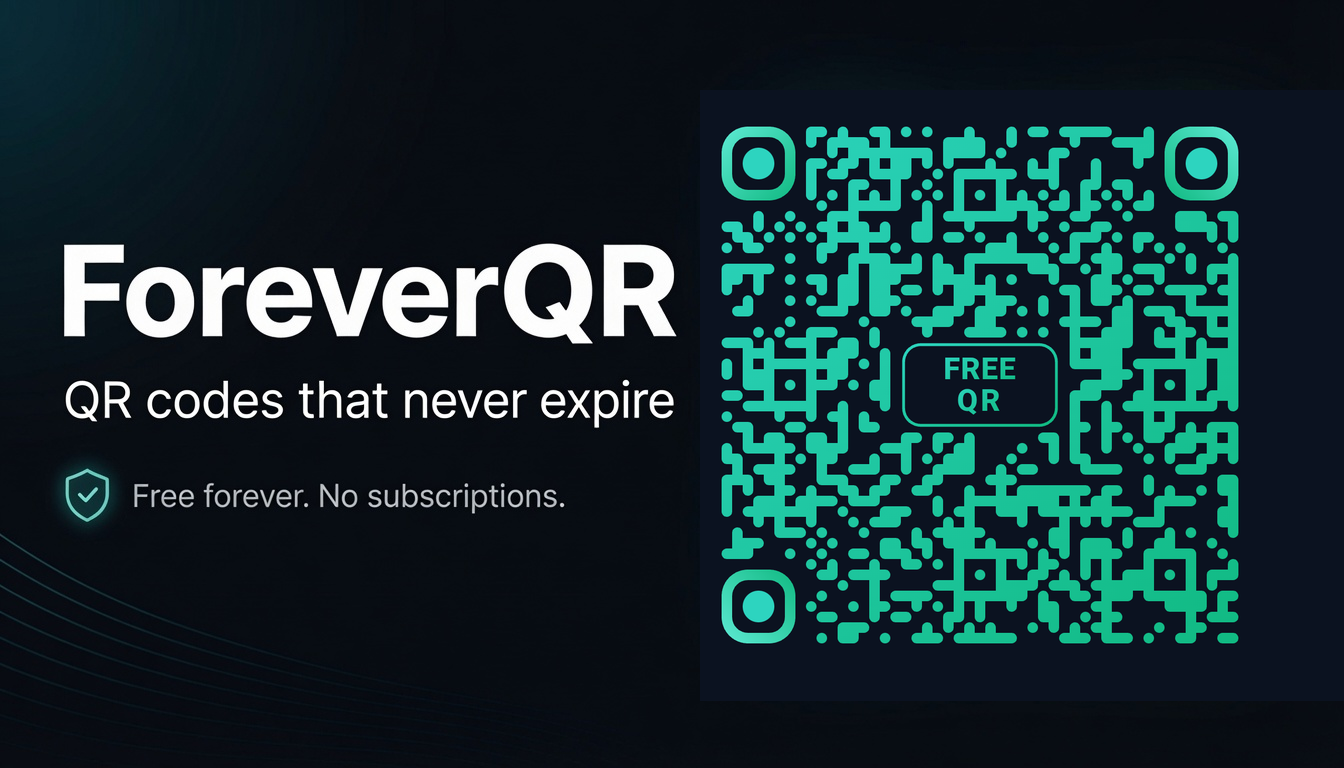
How to make a free static QR code
A static QR code carries its destination inside the pattern itself. Nothing is looked up, nothing can expire, and no company can switch it off — including us. The trade-off is that it can never be changed after you print it.
- 1
Open the generator and keep the type on Static
Static is the default. It is free, unlimited, and generated entirely in your browser — the content never reaches our servers.
- 2
Choose your content type
A link, Wi-Fi credentials, a vCard contact, an email, SMS or plain text. This decides what the phone does the moment the code is scanned, so pick it before you style anything.
- 3
Enter the content
For a link, paste the full URL including https://. Shorter content means a less dense pattern, which prints and scans better at small sizes.
- 4
Style it
Presets give you a good starting point. From there, adjust foreground and background colours, gradients, dot style and corner style. Keep strong contrast: dark pattern on a light background.
- 5
Optional: Picture QR
Switch to Picture QR for a centred logo overlay, or artistic mode where your uploaded image becomes the pattern. Both run on your device, and both are free with no usage limit.
- 6
Optional: Art Studio
Start from a template, then set every colour yourself and choose the corner-eye shapes. Run the virtual scan test — it checks your design at small sizes, blur and low light with a real decoder — and use the safer setting it suggests if any check fails.
- 7
Optional: AI Illusion art
For painterly or photoreal looks, AI Illusion blends your code into a generated scene. It needs a free account and costs 15 Sparks per render. Always scan the result before printing.
- 8
Watch the scannability meter
Heavy styling, low contrast or a large logo can push a code past what phone cameras handle. The meter warns you before the printer does — keep it in the green.
- 9
Export
PNG at 1×, 2× or 4× for most uses, SVG when a designer needs vector, PDF for print. Then download the print test sheet, print it at actual size, and scan it on the real stock before committing to a run.
- 10
Optional: save it
Downloads never need an account. A free account simply keeps your codes and their artwork in a library you can return to.
If there is any chance the destination will change later — a campaign page, a product listing, a review platform — use a dynamic Pro code instead.